2026 Shopify Blog SEO Playbook: Turn Content into Organic Traffic
How can Shopify merchants use blogs to target long-tail keywords, build internal links, and keep content fresh? This practical guide covers topic research, writing, on-page SEO, and performance reviews.

Many Shopify merchants optimize product titles, prices, and images but still struggle to earn consistent organic search traffic. The problem is often not the product page itself, but the fact that the store does not answer the questions customers search before buying.
A blog turns those questions into content that can be discovered, read, and connected to a purchase. This guide covers topic research, keywords, article structure, internal links, content maintenance, and performance reviews so you can build a Shopify blog SEO workflow that is practical to run over the long term.
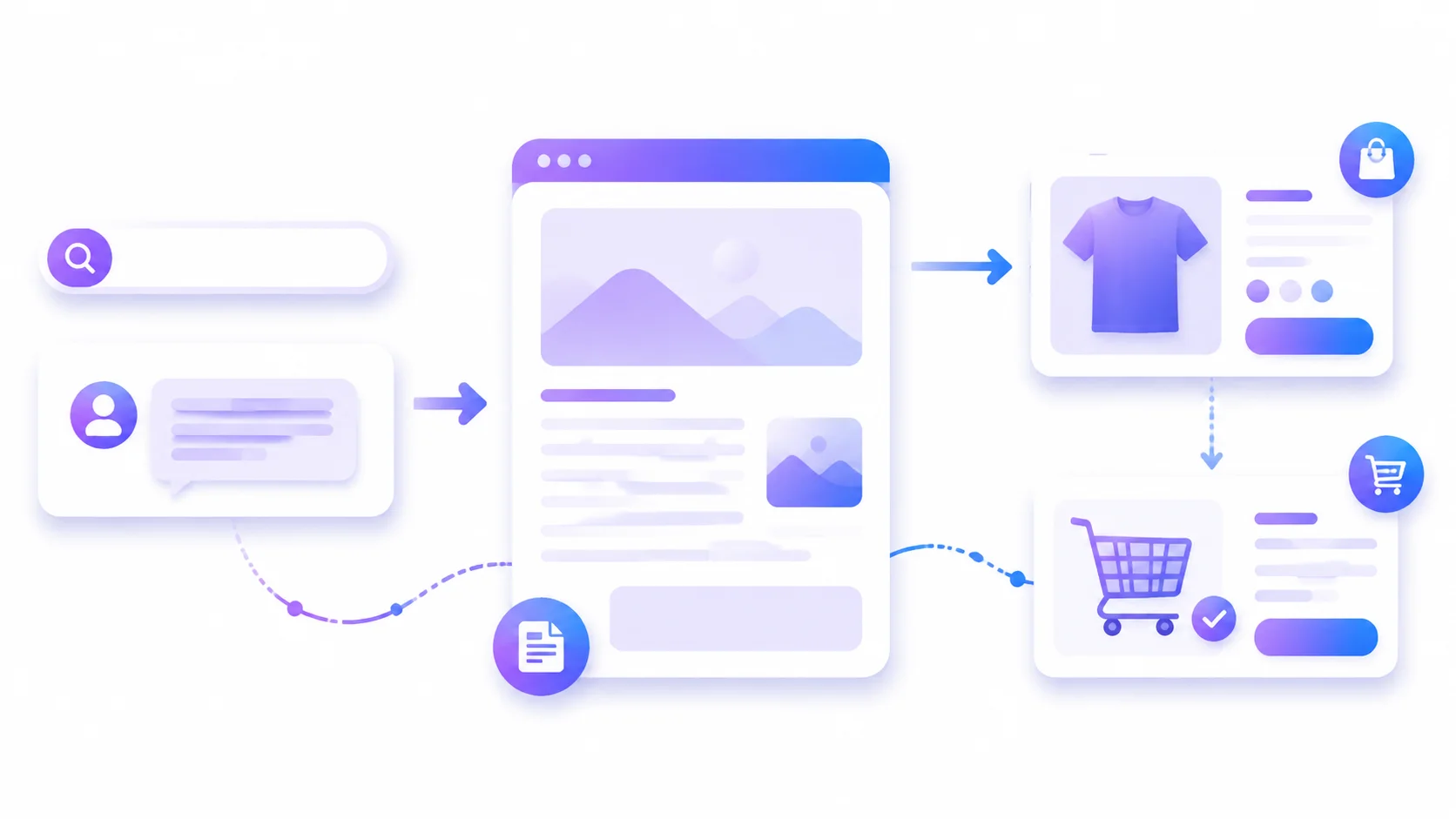
1. Why Shopify stores should not rely on product pages alone
Product pages are usually designed around purchase intent. They are good at covering transactional searches such as “what should I buy,” “how much does it cost,” and “what specifications are available.” Before placing an order, however, customers often search for informational questions:
- What situations is this product suitable for?
- What is the difference between two materials or sizes?
- What should a first-time buyer know?
- How should the product be used, cleaned, or maintained?
- Is there an option for a particular audience or budget?
A store with product pages only will have difficulty covering these needs. A blog can answer the question first, then guide readers to relevant products, collections, and buying guides.
The three page types can be viewed as follows:
| Page type | Main search intent | Content job |
|---|---|---|
| Product page | Transactional | Explain the product and support a purchase |
| Collection page | Category or comparison | Help shoppers filter a group of products |
| Blog post | Informational | Answer questions and build purchase interest |
The blog is therefore not a replacement for the product page. It is an upstream entry point. A good post does not chase pageviews alone; it naturally leads visitors to the next step.
2. Build a keyword map before writing
A common Shopify blog mistake is to think of a topic and immediately generate an article. A more reliable approach is to create a simple keyword map first and decide which page should target each keyword.
1. Collect topics from real customer questions
Start by organizing:
- The ten questions customer support receives most often
- Repeated questions in product reviews
- Return reasons and pre-purchase concerns
- Product use, installation, cleaning, and care steps
- Points competitors have not explained clearly
- Google autocomplete and related searches
These questions are usually closer to real buying situations than made-up “popular keywords.”
2. Identify search intent
Classify keywords by intent:
- Informational:
how to clean a canvas bag,summer skincare routine - Comparison:
linen vs cotton shirt - Commercial investigation:
best waterproof backpack for travel - Transactional:
buy waterproof laptop backpack
Informational and comparison keywords are usually good blog topics. Transactional keywords should generally go to product or collection pages. Do not make several posts compete for exactly the same topic; that makes it harder for both readers and search engines to understand which page matters most.
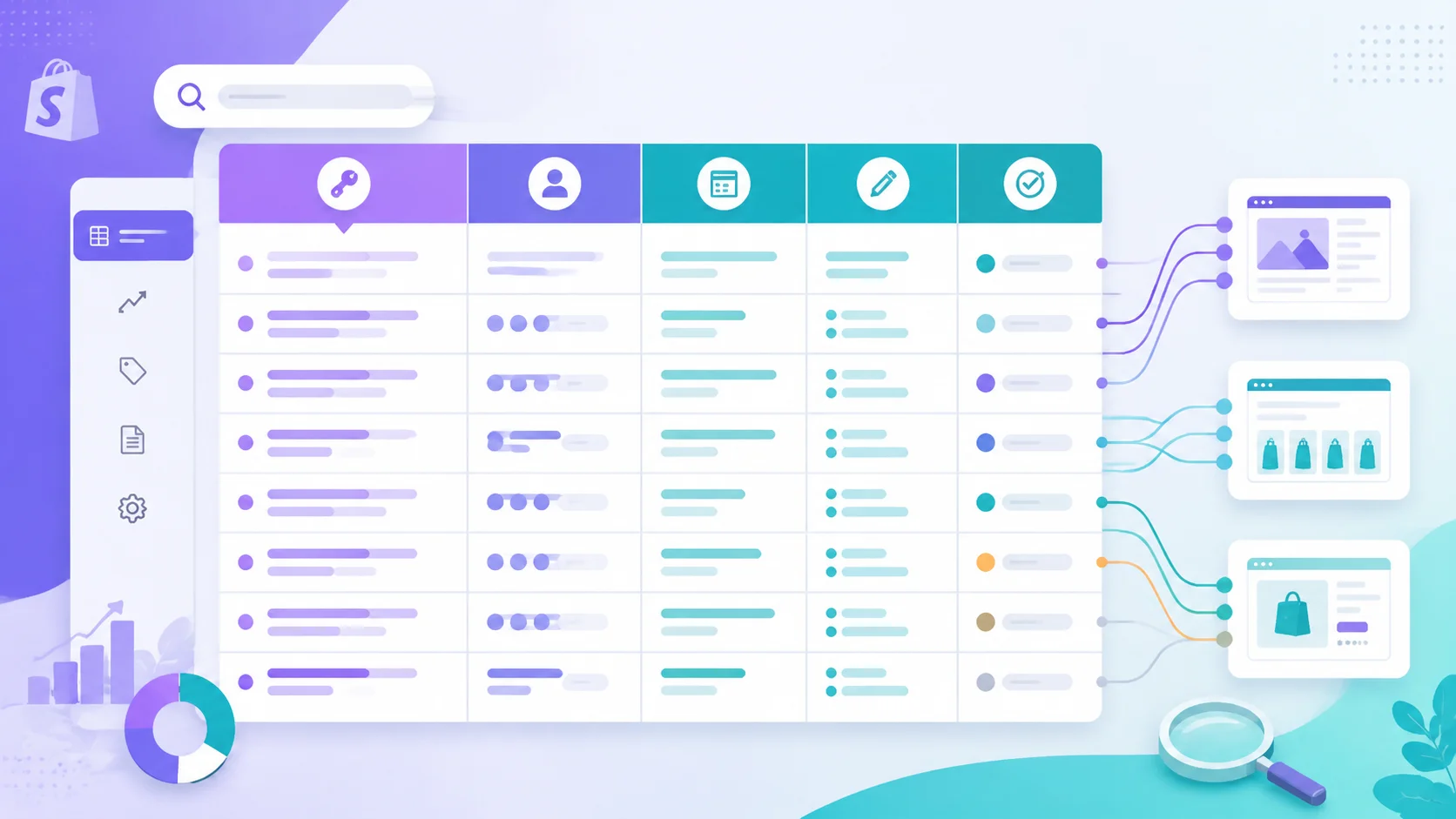
3. Create an actionable keyword table
| Keyword | Intent | Target page | Article angle | Status |
|---|---|---|---|---|
| how to choose a travel backpack | Informational | Blog | Break down the choice by use case | To write |
| best waterproof laptop backpack | Commercial investigation | Blog/collection | Compare capacity, materials, and protection | To write |
| 15-inch laptop backpack | Transactional | Product page | Specifications, inventory, and purchase details | Existing |
Whenever you publish, record the URL, target keyword, main product, and update date in the table. It is a small habit that prevents duplicate topics and confusing internal links.
3. How to write a useful Shopify SEO blog post
An SEO article is not a paragraph filled with repeated keywords. It is a clear structure that solves one specific problem. You can use the following article framework directly.
1. Make the title communicate the problem and the result
Do not write only “Travel Backpack Guide.” Try:
How to Choose a Travel Backpack: A Complete Guide to Capacity, Materials, and Organization
Include the primary keyword naturally and tell readers what they will gain. Avoid synonym stuffing and promises you cannot prove.
2. Lead with the conclusion
Within the first two or three sentences, explain what problem the reader faces, what method the article provides, and who it is for. Do not spend the opening on a long brand introduction.
3. Use steps, checklists, and comparison tables
For an article about choosing a waterproof backpack, for example:
- Confirm the use case and capacity
- Check the fabric's water resistance and seam treatment
- Inspect the laptop compartment and suspension system
- Compare weight, organization, and after-sales policies
- Choose a suitable product for the budget
Each step should include a decision criterion instead of a one-line conclusion. Real dimensions, materials, limitations, and care instructions are often more useful than generic marketing adjectives.
4. Add original information
You can include:
- Your store's own product test results
- Problems customers frequently encounter
- Practical differences between products
- Real cleaning, installation, or styling advice
- Situations where the product is and is not suitable
If you use AI to draft content, let it help organize the structure, rewrite wording, and prepare a first draft. The merchant must still verify specifications, experience-based conclusions, and brand opinions. A large batch of articles with no unique information is unlikely to build lasting trust.
5. Write a content brief before the article
Before opening the editor, describe the article's job on one page. A useful brief should include at least:
Target reader: City professionals buying camping gear for the first time
Main problem: They do not know how to choose a backpack for weekend camping
Primary keyword: how to choose a weekend camping backpack
Related keywords: backpack capacity, suspension system, waterproof fabric, lightweight design
Article goal: Help readers choose and guide them to the 30L camping backpack collection
Must answer: capacity, weight, fabric, organization, budget, and common mistakes
Available sources: product size chart, frequent support questions, return reasons
Primary CTA: View 30L camping backpacks
Planned review: First review 90 days after publication
This brief keeps the article from drifting and makes collaboration or AI-assisted drafting easier. After writing, check every item under “Must answer.” If the article has not actually answered those questions, it is still keyword expansion rather than useful content.
6. Use “problem—criteria—recommendation” for each section
Practical articles can repeatedly use this paragraph formula:
- Problem: When does the user encounter difficulty?
- Criteria: Which concrete indicators should they check?
- Recommendation: How should they choose for different situations?
- Next step: Which product or guide should they view next?
In a section about backpack capacity, do not simply say “bigger is better.” Explain what to consider for a day trip, a two-night trip, and a long journey; how much room a laptop, camera, or baby supplies require; and how more capacity affects weight and comfort. This is the kind of detail that can earn saves, shares, and follow-up clicks.
7. Run a reader task test before publishing
Give the article to someone unfamiliar with the product and assign one task, such as “After reading, choose the model suitable for a two-day trip.” If that person has to hunt for the answer or does not know what to click next, revise the headings, table, and CTA. The foundation of SEO is helping users complete their search task, not merely making an article appear keyword-rich.
4. Guide blog traffic to product pages
Do not simply wait for search traffic to convert. Every article should have a clear internal-link path.
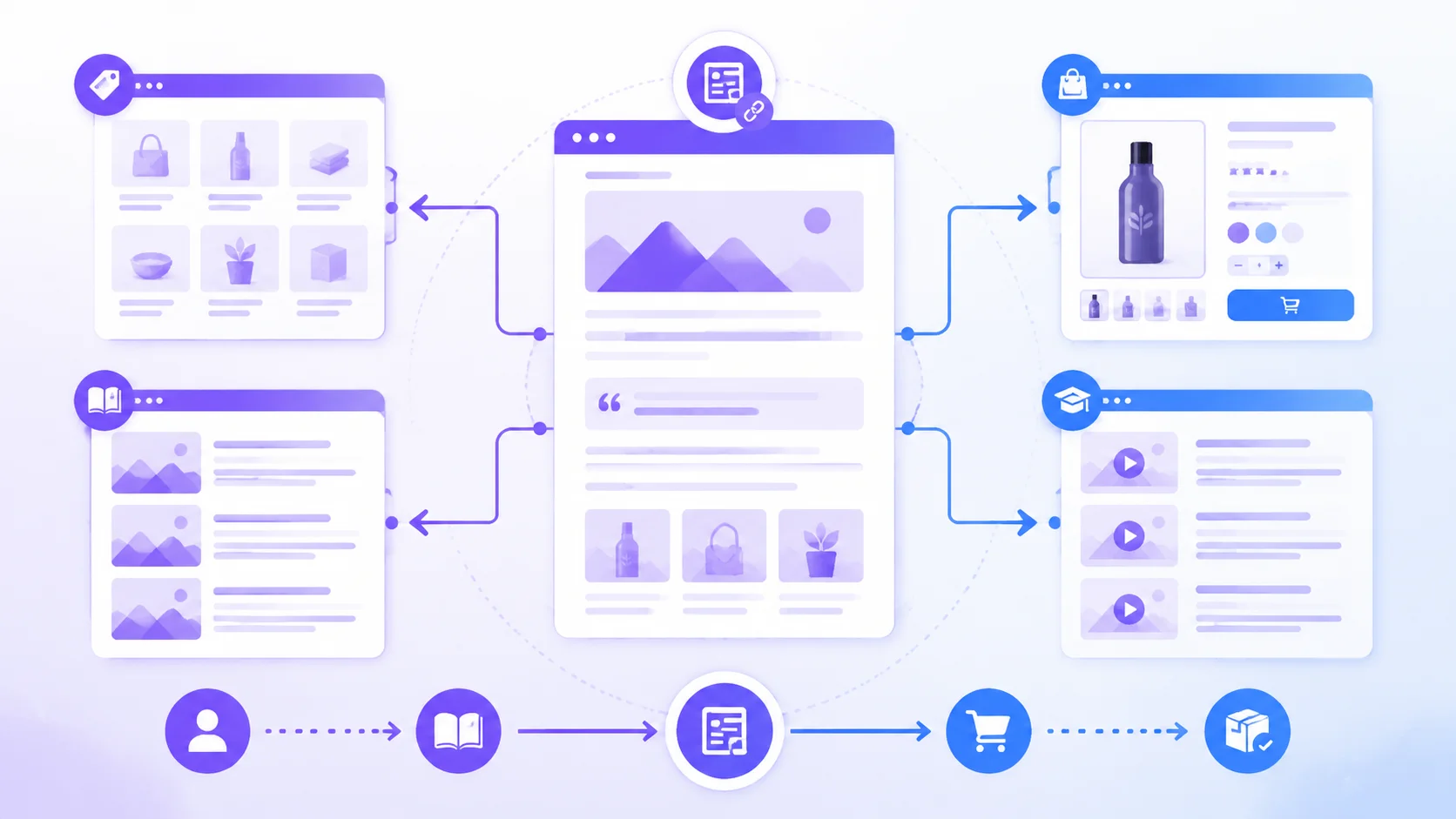
Recommended link structure
Blog post
  ├── Related product page
  ├── Relevant collection page
  ├── Size/material/use guide
  └── Another related blog post
For example, “How to Choose a Travel Backpack” could link to:
- A “lightweight travel backpacks” collection
- A specific 30L waterproof backpack product page
- A “how to choose backpack capacity” article
- Returns and shipping information
Anchor text should describe the destination. Use “view the 30L waterproof travel backpack” instead of “click here.” Also check that links work, products are still available, and prices and specifications in the article are current.
Plan article links in a table
Before publishing, create a simple link checklist:
| Placement | Link target | Example anchor | Purpose |
|---|---|---|---|
| After selection criteria | Collection page | View lightweight travel backpacks | Let readers browse products |
| Product comparison section | Product page | View the 30L waterproof backpack | Capture purchase intent |
| After the FAQ | Use guide | How to clean a backpack | Extend the reading path |
| Article ending | Related blog | How to choose backpack capacity | Build topic relationships |
An article does not need links everywhere. Place a link where the reader needs more information, and make clear why it is worth clicking now. If one paragraph contains more than three links, the content structure may need to be split further.
5. Shopify blog on-page SEO checklist
Review each item before publishing:
- The title contains one primary keyword and still reads naturally
- The meta description explains the value instead of repeating the title
- The URL uses a short, stable English slug
- The page has one H1 and a continuous H2/H3 hierarchy
- Images have descriptive alt text
- The opening directly responds to the search question
- At least two relevant internal links are included
- Product links point to items that are still available
- Tables and code blocks are readable on mobile
- Generic filler and repeated paragraphs have been removed
Shopify lets you edit a blog post's search-engine title, description, and URL handle. Write the title and description for readers first rather than sacrificing readability to insert keywords. Use Shopify's official blog management documentation to verify the settings.
Reusable SEO title and description formulas
Title template:
[Core question]? [Criteria/solution] + [Use case]
Example:
How to Choose a Camping Backpack: A Practical Guide to Capacity, Materials, and Suspension
Meta description template:
Trying to solve [specific problem]? This guide explains how to choose using [three key dimensions] and provides a [checklist/steps/comparison table] to help you [next action].
Example:
Not sure what size backpack to choose for weekend camping? Compare capacity, weight, waterproof fabric, and organization with a practical checklist and product suggestions.
Write a clear first version, then adjust the wording based on actual search impressions. Do not turn the description into a keyword list.

6. Why blogs need continuous updates
Updating a blog is not about mechanically chasing a publishing count. It keeps the content accurate and competitive.
Review regularly:
- Product specifications, inventory, and prices
- Broken external and internal links
- Outdated screenshots and instructions
- New angles appearing in high-ranking search results
- New relevant queries in Search Console
- Customer questions the article has not answered
A practical maintenance rhythm is:
- Monthly: Review impressions, click-through rate, and top posts
- Quarterly: Update product links, FAQs, examples, and images
- Every six months: Rewrite posts with impressions but low click-through rate
- When launching a product: Create a buying guide, use tutorial, or comparison post
If an old article already receives search impressions, it does not necessarily need to be deleted and rewritten. Keep useful content, add missing questions, update outdated information, and make the title or subheadings answer the intent more precisely.
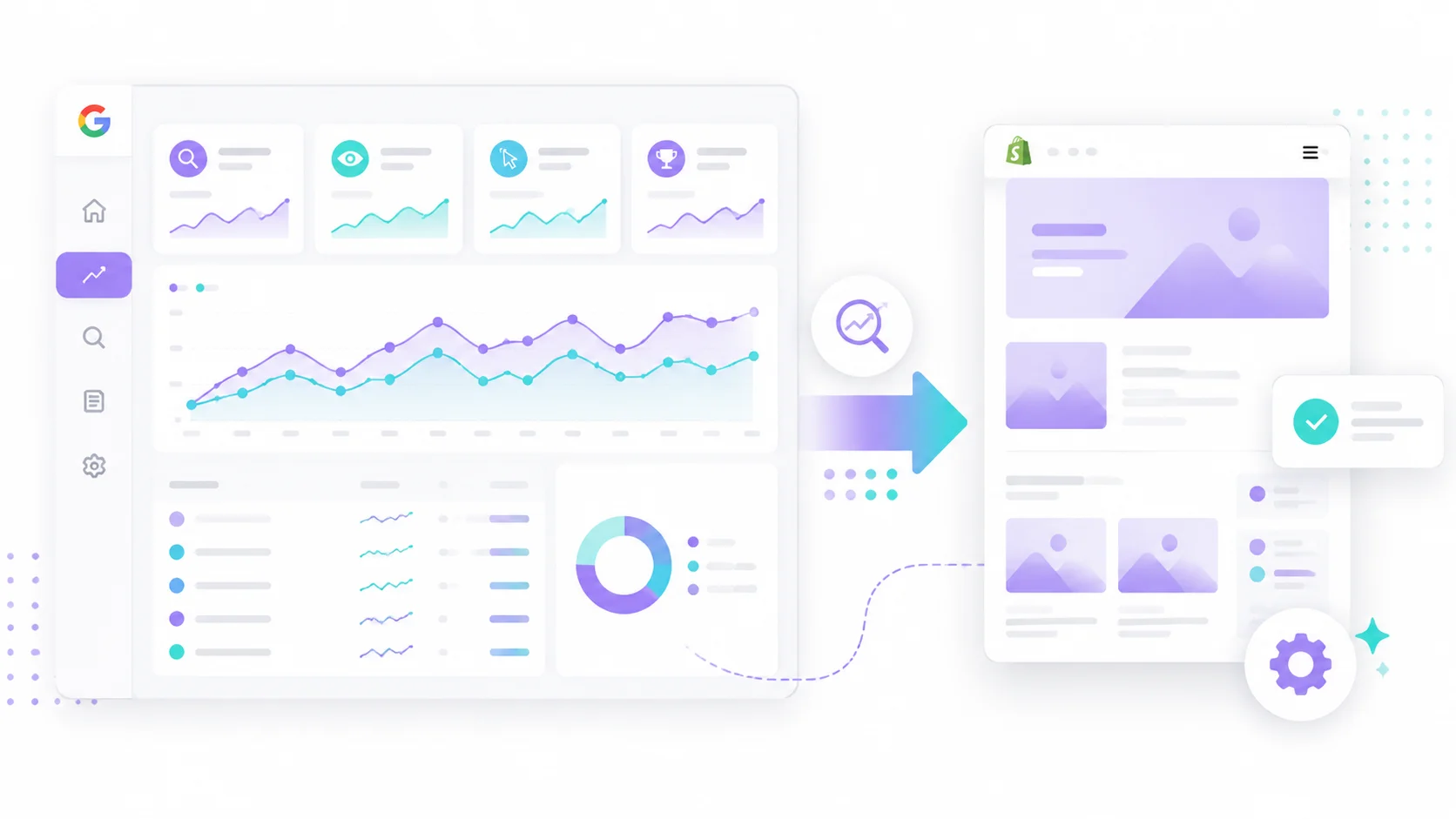
Use Search Console to decide which post to improve
After a post has been live for a while, process the data in this order:
- Filter for pages with impressions but a low click-through rate. First check whether the title and description communicate the value clearly.
- Review the queries that actually trigger the page and identify new questions the article does not answer.
- For posts approaching the first page, add specific examples, steps, tables, and internal links.
- For posts with no impressions, reassess whether the keyword intent matches. Change the topic if necessary instead of only adding words.
- Record the edit date and wait long enough to compare results. Avoid changing the title repeatedly in one day.
A simple review table could look like this:
| URL | Primary keyword | Impression change | CTR change | Edit made | Next check |
|---|---|---|---|---|---|
| /blogs/how-to-choose-bag | how to choose a travel backpack | Up | Flat | Added capacity table | In 30 days |
| /blogs/linen-vs-cotton | linen vs cotton | Flat | Down | Rewrote title | In 30 days |
Do not look only at visits. For an ecommerce blog, also watch whether visitors click products, subscribe to email, view collections, and assist conversions.
Four review passes for AI-assisted writing
If AI generates a first draft, review it in four passes rather than publishing immediately:
- Fact review: Verify dimensions, materials, prices, inventory, shipping, returns, and exchanges.
- Search-intent review: Confirm the article solves the target problem and has no irrelevant sections added just to increase length.
- Brand review: Replace generic marketing language with real experience, limitations, and use cases.
- Conversion review: Check that product links, collection links, CTAs, and related content form a coherent path.
You can ask AI to output the outline, question list, and facts requiring merchant confirmation before drafting the body. This makes errors easier to spot and preserves the merchant's own judgment better than asking for a complete SEO article in one step.
7. How to publish consistently without a content team
For many Shopify merchants, the real challenge is not understanding SEO but finding time to execute it: new products require organized source information, articles require keyword research, and links and multilingual versions must be added.
Use a fixed workflow:
- Choose a topic from a new product, best seller, or customer question
- Record the target keyword and search intent
- Generate an outline and first draft
- Add verified product facts, brand voice, and practical advice manually
- Add collection, product, and related-article links
- Check the title, description, images, and mobile layout
- Record the URL and update date after publishing
- Update the article from search data
If you want to connect “product information—blog draft—publishing” more smoothly, consider a Shopify content tool such as Vtober. Merchants can configure prompts, article requirements, and publishing rules in advance. When a new product is listed, Vtober can automatically generate and publish the corresponding blog post, significantly reducing manual organizing, writing, and publishing work. Even with automation, spot-check product facts, links, and language quality to ensure the article genuinely answers customer questions.
Turn one product into a set of articles
Do not write only a “product introduction” for every launch. The same product can support content for different search intents:
| Content type | User question | Useful links |
|---|---|---|
| Buying guide | Which specification should I choose? | Collection and comparison pages |
| Use tutorial | How should I use the product? | Product page and help center |
| Care tutorial | How do I clean it and extend its life? | Product and accessory pages |
| Use-case guide | How should I style it for travel, commuting, or gifting? | Use-case collection |
| Comparison article | What is the difference between two models? | The two product pages |
For example, a waterproof backpack can support separate articles about choosing capacity, using it in rain, checking the laptop compartment, and the differences between commuting and travel. This covers more keywords and gives the same product group more natural internal links.
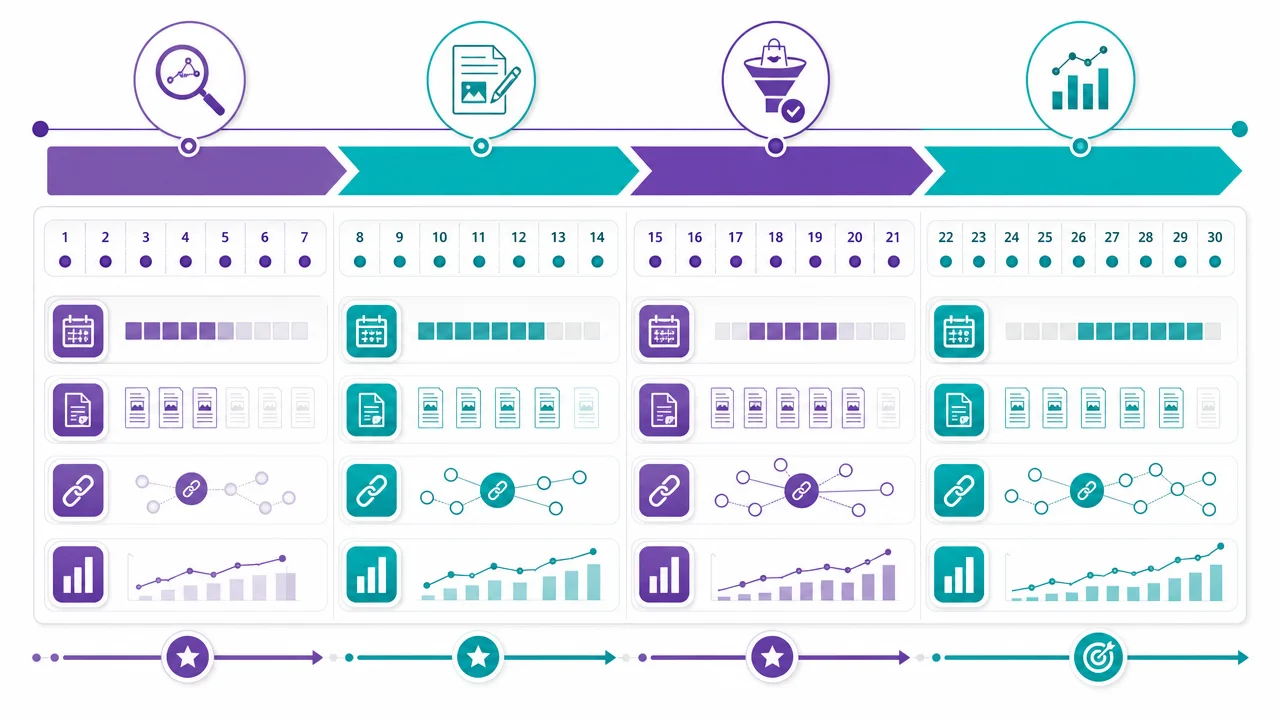
8. A 30-day Shopify blog SEO plan
Week 1: Build the content map
- Collect 20 real customer questions
- Select 10 priority keywords
- Assign each keyword to a blog, collection, or product page
- Decide which products each article should link to
Week 2: Publish foundational content
- Two buying guides
- Two use or care tutorials
- One product comparison
- Two to five internal links in each post
Week 3: Improve the conversion path
- Check product links and CTAs
- Add FAQs and related resources
- Optimize image sizes and alt text
- Read every article completely on a phone
Week 4: Review the data
- Check impressions and click-through rate in Search Console
- Find posts close to page one with low click-through rate
- Add new questions and missing product information
- Record the next topics and update dates
A 30-minute weekly maintenance routine
If you do not yet have time for a full monthly review, reserve one fixed slot each week:
- 10 minutes to review new customer questions and comments
- 10 minutes to check product links and key facts in one old post
- 10 minutes to record one new topic or add one FAQ
Consistent small maintenance is more likely to build a content asset than publishing ten posts in one burst and then leaving the blog untouched for months.
9. Common Shopify blog SEO mistakes
Chasing publishing volume
Publishing many posts every week does not mean every post creates value. Prioritize clear topics, accurate facts, and working links, then improve output efficiency gradually.
Copying product descriptions into blog posts
A product page answers “what is this?” A blog should answer “why do I need it, how do I choose it, and how do I use it?” If you only change the title of a product description, readers have no reason to continue.
Writing a long article without a conclusion
Long does not automatically mean deep. Each section should help the reader make a decision, using headings, lists, tables, and examples to reduce the reading burden.
Linking every article to the homepage
The homepage is not the only conversion entry point. Link to a specific collection, product, or help page based on the topic; that is usually more useful than a generic “back to homepage” link.
Not recording update dates
Without an update date, it is easy to forget which posts need review. Record the date when product information was last verified, not just the publication date.
Conclusion: Treat your blog as a long-term store asset
In 2026, Shopify blog SEO is not about publishing large volumes of similar-looking articles. It is about consistently answering real questions and building a clear relationship between content and products.
Start with one action: list the ten questions customers ask most often. Create one article for each question with a clear answer, real details, and links to relevant products. Publishing is only the beginning; data reviews and content updates are what allow a blog to accumulate organic traffic over time.
Related resources
Source Notice
This article is published by merchmindai.net. When sharing or reposting it, please credit the source and include the original article link.
Original article:https://merchmindai.net/blog/en/post/shopify-blog-seo-guide-2026