Alibaba's Z-Image-Turbo: High-Quality Text-to-Image on My 6GB GPU
Hands-on experience with Alibaba's Z-Image-Turbo - a 6B parameter text-to-image model that runs smoothly on 6GB VRAM with bilingual support.
Introduction
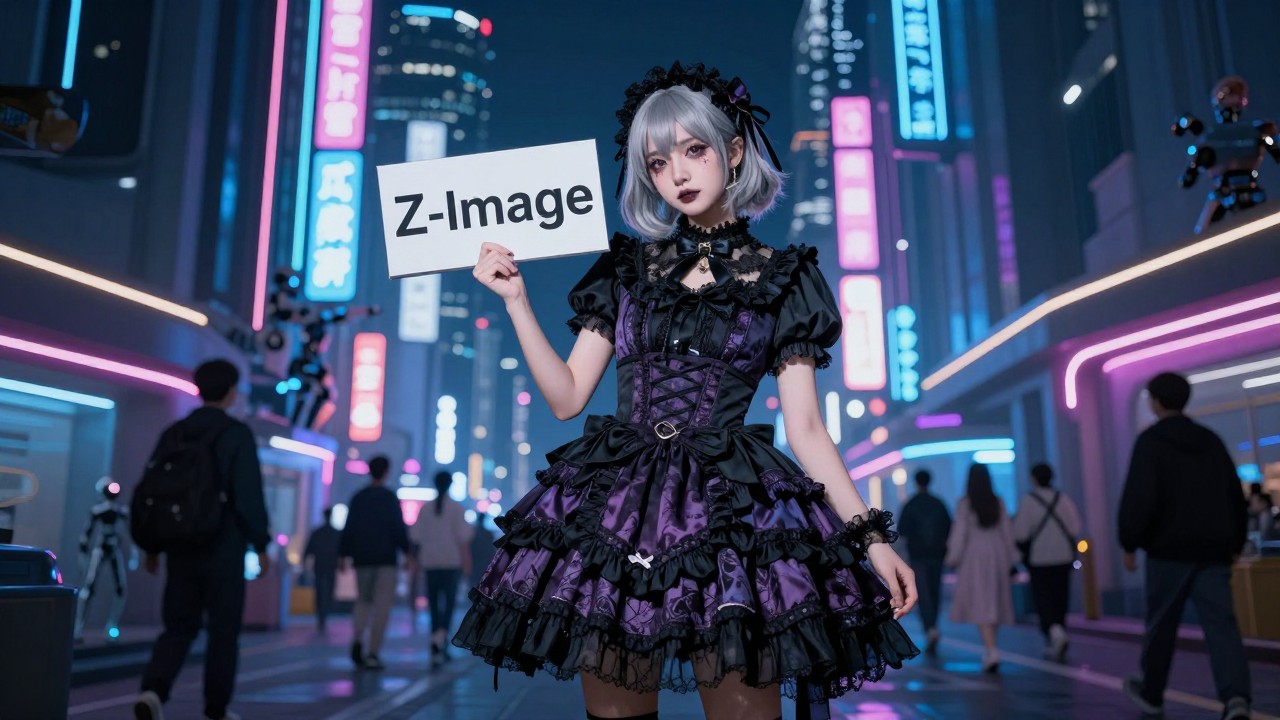
My GPU fans have been running at full blast these past few days—yes, I've been generating images again. What got me excited this time is Alibaba's newly open-sourced Z-Image-Turbo model. Surprisingly, it runs quite well on my modest 6GB VRAM card for text-to-image generation.
What is Z-Image-Turbo?
Z-Image is Alibaba's Tongyi Lab's latest open-source image generation model, and Z-Image-Turbo is its distilled, accelerated version. Honestly, when I first saw the claim that "just 6B parameters can match the visual quality of 20B commercial models," I was skeptical. After all, every model these days claims to be the best.
But after diving into the technical details, I realized Alibaba actually put in serious work:
Key Highlights
1. Lightweight & Efficient
- Only 6 billion parameters, yet achieves results close to closed-source SOTA models
- Generates high-quality images with just 8 sampling steps (traditional models often require dozens)
- VRAM usage under 16GB—runs on consumer-grade GPUs
- Achieves sub-second inference latency on enterprise H800 GPUs
2. Bilingual Text Rendering This deserves special mention! Traditional AI image models have always struggled with Chinese text, often rendering characters as gibberish. Z-Image natively supports high-precision bilingual (English & Chinese) text rendering with such a small parameter count—incredibly user-friendly for Chinese users.
3. Innovative Architecture Employs the S3-DiT (Scalable Single-Stream DiT) architecture, a scalable single-stream diffusion transformer. While the technical details are complex, it essentially means better parameter efficiency—achieving superior results with fewer parameters.
Open Source Details

What's most encouraging is that Z-Image uses the Apache 2.0 license, which means:
- GitHub: https://github.com/Tongyi-MAI/Z-Image
- Hugging Face: https://huggingface.co/Tongyi-MAI/Z-Image-Turbo
- Free to use and commercially deploy
Community Feedback
From what I've seen across various communities, the response to Z-Image-Turbo has been quite positive:
- Performance: According to Alibaba AI Arena's Elo human preference evaluation, Z-Image-Turbo has reached SOTA level among open-source models
- Practicality: Not limited to English—supports Chinese text rendering with an impressively wide generation range
- Benchmarks: Comparisons with Flux 2 and Qwen Image conclude that "6B parameters achieve exceptional performance and generation speed, topping the open-source rankings"
Of course, there's some debate—claims like "Flux 2 is over with this release" might be a bit exaggerated. But from a technical standpoint, Z-Image truly excels in lightweight design and efficiency.
Hands-On: Running on 6GB VRAM
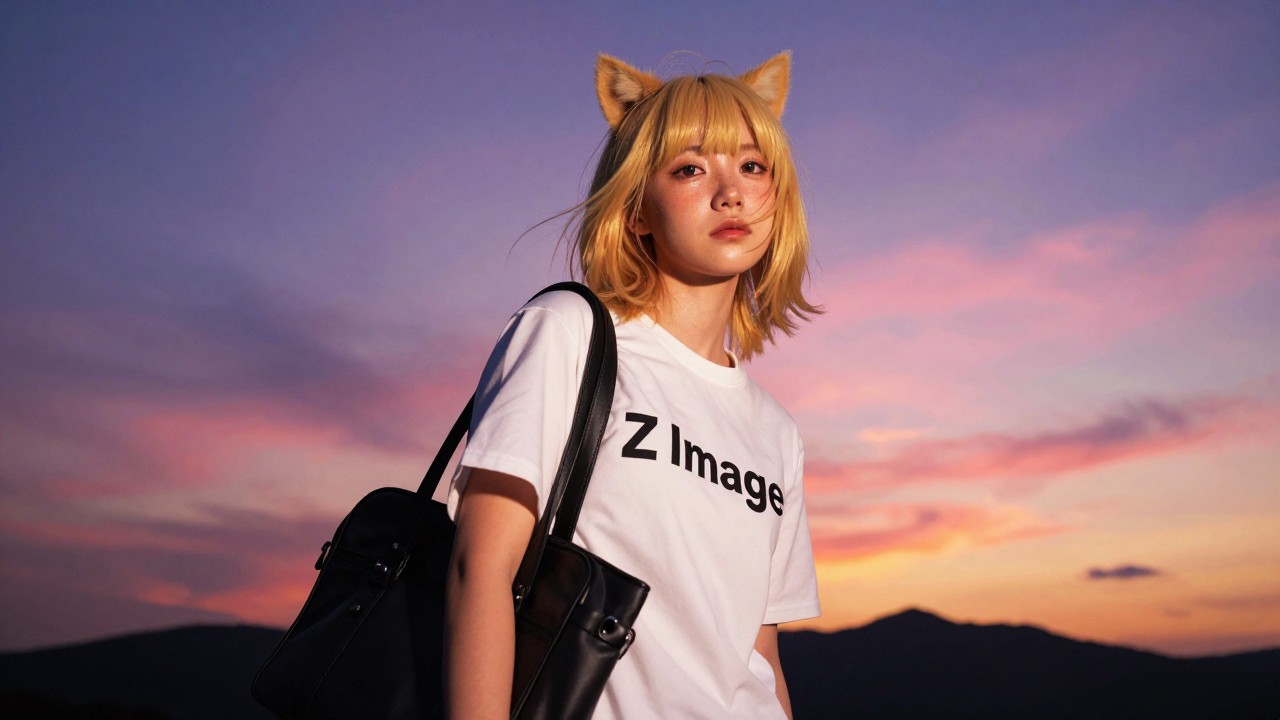
Enough theory—let's get practical. My setup has just 6GB VRAM. Here's my hands-on experience:
1. Setup
The official ComfyUI workflow is available—just drag and drop the image into it:
- Official examples: https://comfyanonymous.github.io/ComfyUI_examples/z_image/
2. Model File Placement
According to the documentation, you need three files:
Text encoder: qwen_3_4b.safetensors
→ Place in ComfyUI/models/text_encoders/

Diffusion model: z_image_turbo_bf16.safetensors
→ Place in ComfyUI/models/diffusion_models/

VAE: ae.safetensors (Flux 1 VAE)
→ Place in ComfyUI/models/vae/
Download the original VAE—the key is using quantized versions of the first two.
3. Low VRAM Optimization
Option 1: Quantized Text Encoder
Use GGUF quantized Qwen3-4B to replace the CLIP node:
- Model link: https://huggingface.co/unsloth/Qwen3-4B-GGUF
- Requires custom node: https://github.com/city96/ComfyUI-GGUF
- I'm using the q6_k version—works perfectly on 6GB VRAM
Option 2: Quantized Main Model
Use FP8 quantized Z-Image-Turbo:
- Model link: https://huggingface.co/T5B/Z-Image-Turbo-FP8
4. Inference Settings
Using the fastest Euler + Simple configuration, I get about 2 minutes per image.
While not blazing fast, considering:
- This is an old 6GB card
- The generation quality is excellent
- VRAM usage is stable with no crashes
This speed is totally acceptable to me.
Technical Deep Dive
Why Does It Run on Low VRAM?
Three main reasons:
- Small Parameter Count: 6B parameters naturally use less memory compared to models with tens of billions of parameters
- Quantization: FP8 and GGUF quantization compress model size to 1/4 to 1/2 of the original
- Efficient Sampling: 8-step sampling means fewer intermediate states and lower VRAM peaks
Model Comparison
| Model | Parameters | VRAM | Steps | Chinese Support |
|---|---|---|---|---|
| Z-Image-Turbo | 6B | <16GB | 8 | ✅ Native |
| Flux 2 | ~20B | >24GB | 20+ | ⚠️ Limited |
| SDXL | 6.6B | ~16GB | 30+ | ❌ Poor |
Z-Image-Turbo clearly has unique advantages in lightweight design and Chinese language support.
Usage Recommendations
Based on my testing over the past few days, here are my suggestions:
✅ Best Use Cases
- Low VRAM users: Safe for 6-12GB VRAM setups
- Chinese text needs: Posters, banners, and other scenarios requiring Chinese characters
- Rapid iteration: 8-step generation suits workflows requiring quick previews
⚠️ Considerations
- Requires some tinkering: Quantized models and custom nodes need manual setup
- Speed varies by hardware: My 6GB card takes 2 minutes per image; high-end cards are much faster
- Still being optimized: Diffusers support was recently merged; minor issues may remain
Conclusion
As someone with limited GPU resources, Z-Image-Turbo's open release gives me hope for the democratization of AI image generation. No need to spend big money on high-end GPUs or rent cloud instances—my old card can experience near-commercial-grade image generation quality.
Thanks to Alibaba Tongyi Lab for open-sourcing this, and to the community members creating quantized versions and tutorials. These selfless contributions allow everyday users like us to benefit from AI technology.
If you're also working with limited VRAM, give Z-Image-Turbo a try. Trust me, when you hear your GPU fans spin up and see that first high-quality image generate, you'll feel the same excitement I did.
Resources
Official Resources
- GitHub Repository: https://github.com/Tongyi-MAI/Z-Image
- Hugging Face Model: https://huggingface.co/Tongyi-MAI/Z-Image-Turbo
- ComfyUI Examples: https://comfyanonymous.github.io/ComfyUI_examples/z_image/
Quantized Versions
- Qwen3-4B GGUF: https://huggingface.co/unsloth/Qwen3-4B-GGUF
- Z-Image-Turbo FP8: https://huggingface.co/T5B/Z-Image-Turbo-FP8
Custom Nodes
- ComfyUI-GGUF: https://github.com/city96/ComfyUI-GGUF
Related Articles
Source Notice
This article is published by merchmindai.net. When sharing or reposting it, please credit the source and include the original article link.
Original article:https://merchmindai.net/blog/en/post/alibaba-z-image-turbo-low-vram-guide